 Playtimely
HOW PLAYTIMELY WORKS / 01
One family. A shared starting point.
Bring the adults, devices and game-time rules together in one place. Start in your browser, then invite the people who help you keep the routine.
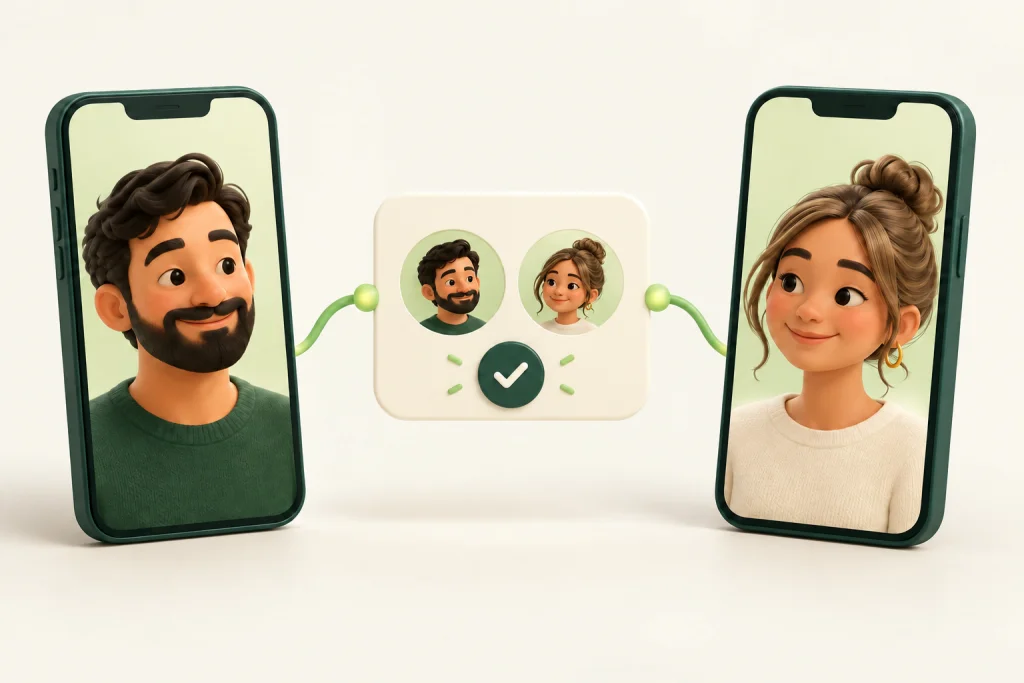
ILLUSTRATIVE EXAMPLE
Make it a family decision.
Playtimely belongs to your family, not to one particular phone. Your account gives you access to the same devices and rules when you sign in on another browser or parent app. Each adult uses their own account, so there is no need to share a password.
 Your family
01 / Create your family account
A small step at a time
- 01
Create your own account
Sign up with Google or your email address. Complete any email verification, then open My family. Your 30-day card-free trial begins when the family is created.
- 02
Invite another adult
Open the family section on your dashboard and send an email invitation. Choose administrator access for someone who should change rules, or viewer access for someone who should only see them.
- 03
Make your profile yours
Set your display name and preferred language on My account. When an invitation is accepted, the other person joins the same family rather than setting up duplicate devices.
Sharing control does not mean sharing everything.
Family membership is separate from sign-in details. A viewer cannot edit the family rules. The account owner remains responsible for the family subscription and ownership decisions.
Privacy & safety →Good to know
Do both parents need a subscription?
No. The subscription is for the family. Invite another parent to the existing family instead of creating another paid family.
Do I need to enter a card to try it?
No. The trial lasts 30 days without a card. The dashboard shows its start and end dates. No payment is taken unless you choose a subscription.
Your next step